
Varukorgen är tom


 Kontorsmaterial
 Böcker
 Lärande & Utbildning
 Skolmaterial


AI Media Generation - Batch Short Videos
 AI Media Generation - Batch Short Videos
Use Batch Short Videos when you want short videos for multiple products using a consistent preset and format.
Before you start: Short video batches can consume balance quickly. Test one product first, then run the batch.
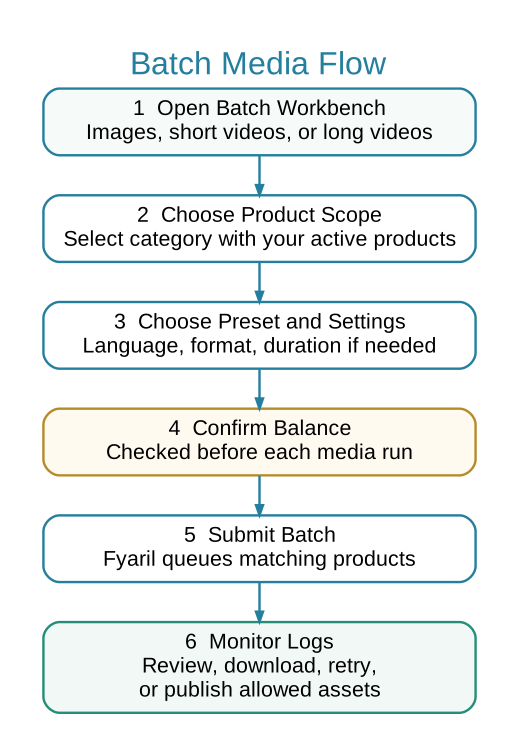
 Batch Media Flow
 When to Use Batch Short Videos
- You need product videos for a set of products.
- You want the same style, format, and language across many outputs.
- You are preparing video assets for listings or campaigns.
 Steps
Steps
- Open Marketing > AI Media > Batch Short Videos.
- Select the category containing products to process.
- Choose preset, language, aspect ratio, and resolution.
- Confirm balance and submit the batch.
- Monitor Media Job Logs for success, failures, and downloadable assets.
- Review every video before using it on a listing or campaign.
 Quality Checks
- Product identity is preserved.
- No strange text or fake labels are present.
- Audio and motion are acceptable.
- Format matches the intended use.